Description
Specification of Opticheck® PDF PROOFING – Pre-Press Inspection System
| Job Screen for Efficient Print Job Management | Access a dedicated Job Screen to efficiently manage, view, and edit different print inspection jobs and pre-press tasks. |
|---|---|
| Inspection Screen for Precise Quality Control | Control tolerance and inspection parameters on the Inspection Screen, ensuring rigorous print quality checks and defect detection. |
| Automatic 1D & 2D Code Identification and Grading | Automatically identify, read, and grade 1D barcodes and 2D codes (e.g., QR codes, Data Matrix), crucial for packaging inspection and serialization verification. |
| Advanced Layer and Color Management for Artwork Integrity | Utilize comprehensive layer management and color management options to ensure accurate reproduction and precise control over visual elements, verifying artwork integrity and color accuracy. |
| Automated Die and Punch Line Identification | Automatically identify die lines and punch lines, essential for accurate cutting inspection and packaging production. |
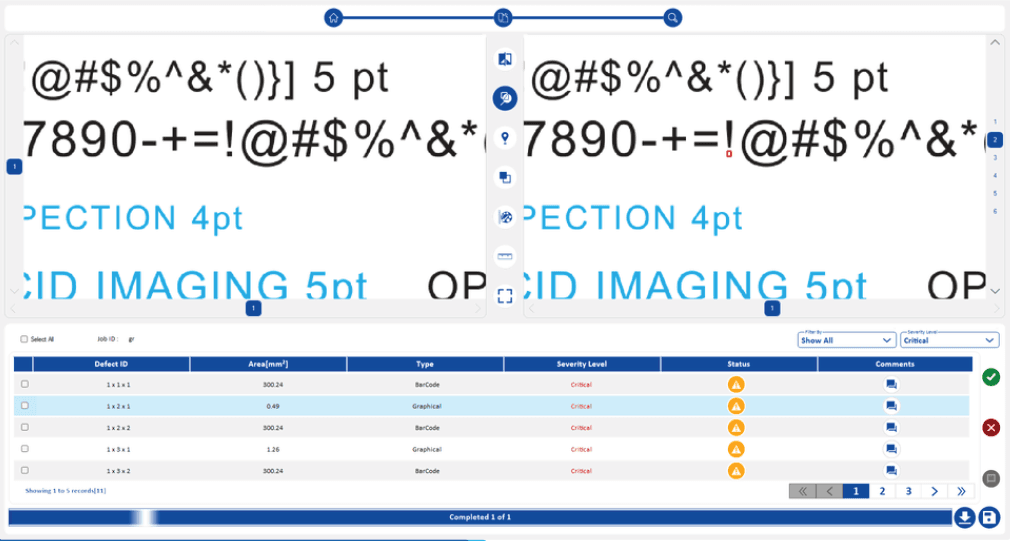
| Review Screen for Streamlined Defect Acceptance/Rejection | Use the Review Screen to review, accept, and reject identified print defects, facilitating a streamlined quality assurance workflow. |
| Full Screen Mode for Enhanced Defect Visualization | Enable full screen mode for easy visualization of pre-press defects and artwork discrepancies. |
| Robust User Management and Audit Log for Compliance | Manage users and access an audit log, ensuring accountability and facilitating compliance for print inspection processes. |

Highlights of Opticheck® PDF PROOFING – Pre-Press Inspection Software
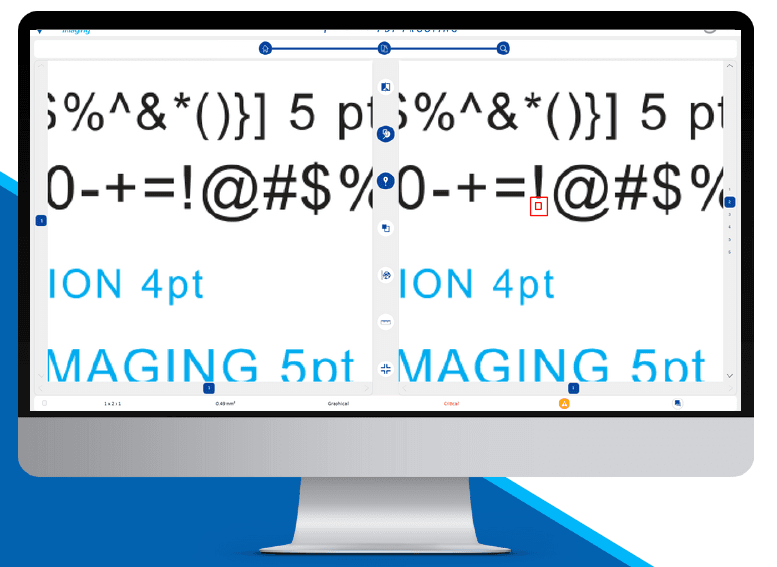
- Easy Comparison for Print Quality Control: Master PDF and sample side-by-side view for efficient artwork verification and print quality control.
- Quick Identification of Print Defects: All defect regions are highlighted instantly, accelerating pre-press defect detection and print proofing.
- Comprehensive Defect Management Window: All detected printing defects are shown in one centralized window. Users can select a print error, view it, and accept/reject based on defect type, streamlining quality assurance.
- Severity Level & Filter Options: Users can assign severity levels based on defect type and quickly filter accepted/rejected pre-press defects to speed up verification.
- Easy Comments for Collaborative Proofing: Users can enter comments for each detected defect and even apply a single comment to multiple selected artwork errors to support team collaboration.
- “Upwise View” for Multi-Layout Inspection: Quickly navigate between multiple ups (layouts), ideal for packaging print inspection and other multi-up jobs.
- Robust User Management: Add, remove, and edit users and access privileges to ensure secure and controlled usage of the pre-press inspection software.
- Automated PDF Report Generation: Generate a comprehensive PDF report after each job with Master-Sample comparison, highlighted defect regions, and comments—ideal for print quality audits.
Scope of Inspection
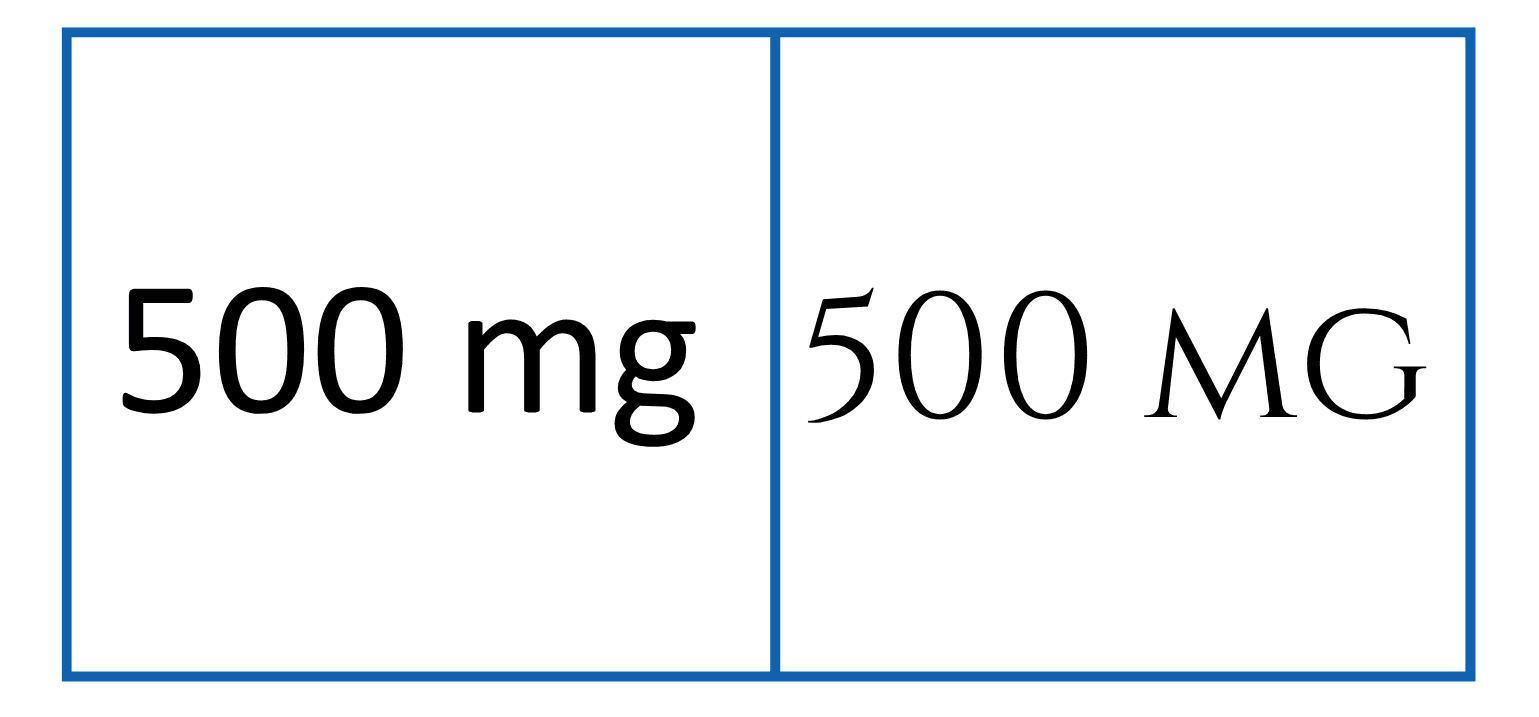
Font Types / Size / Alignment Changes
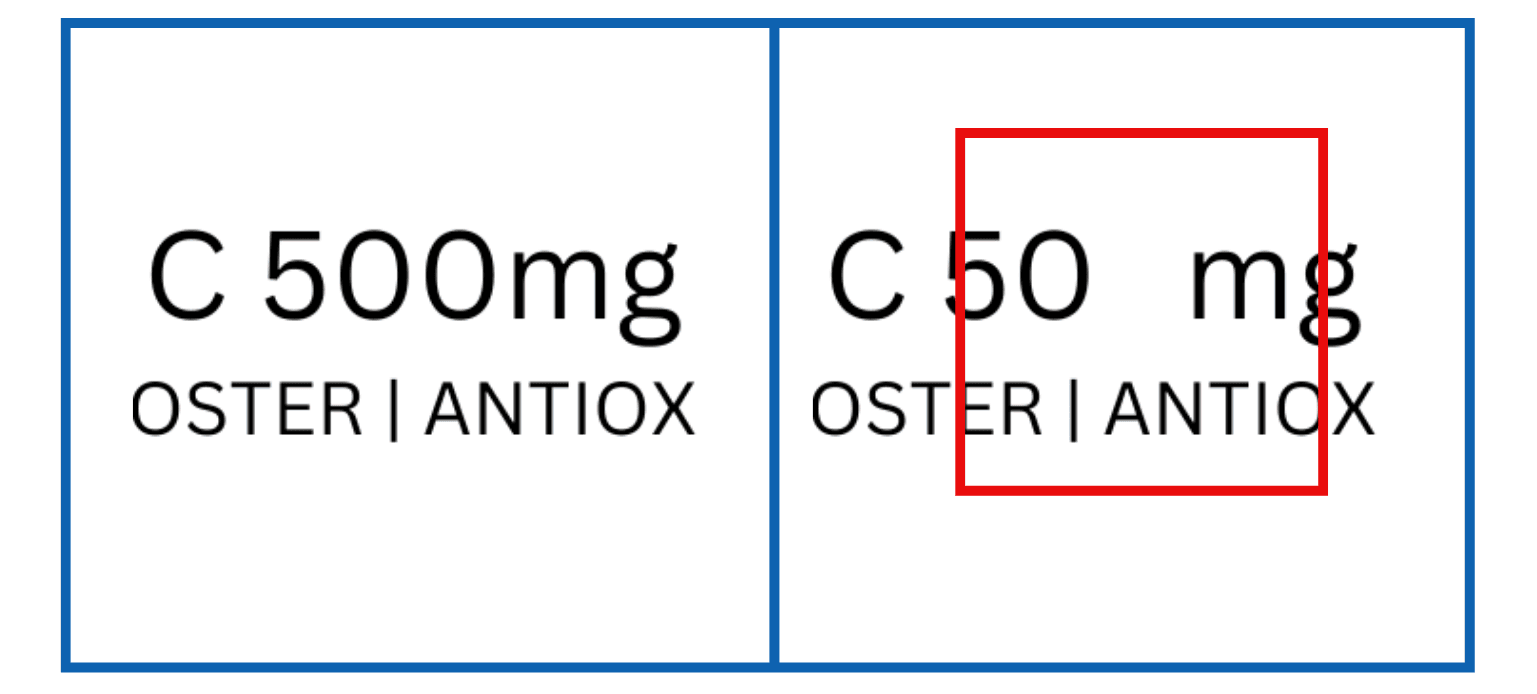
Missing Text
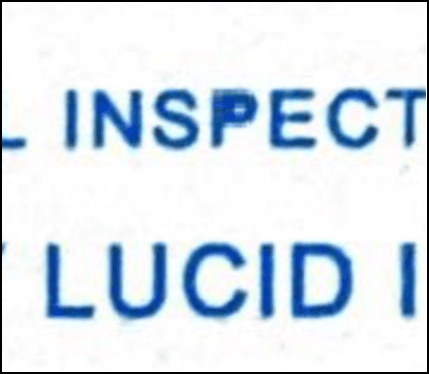
Filled / Broken Characters
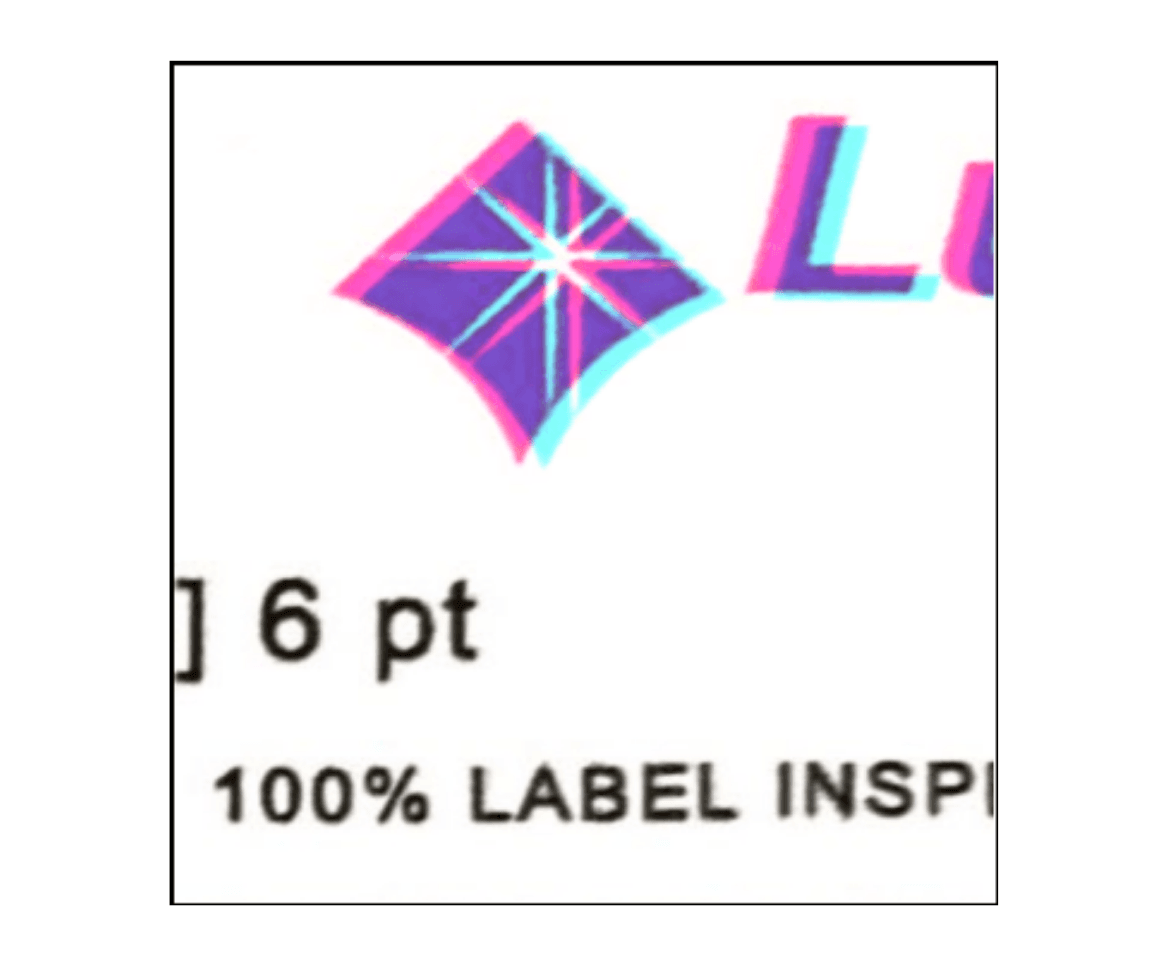
Mis-Registration

Graphical / Artwork Errors
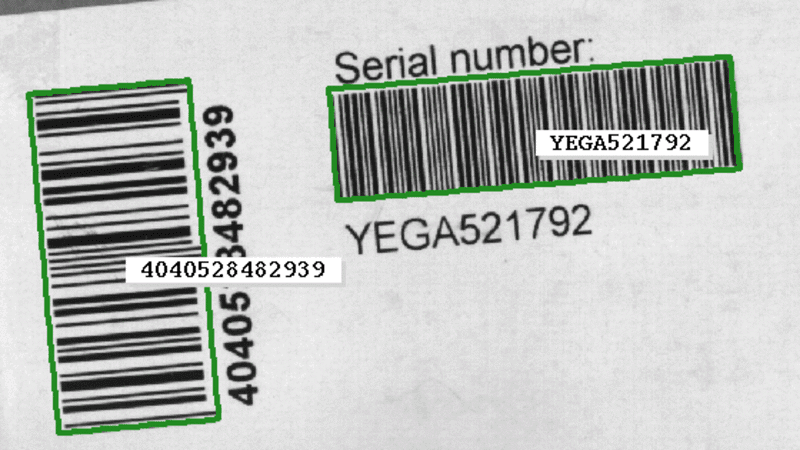
1D Code Reading
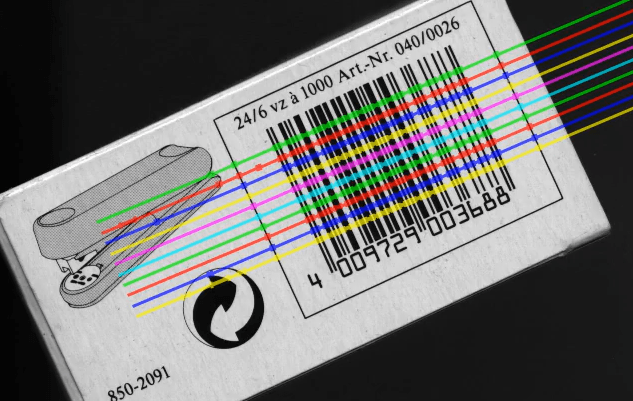
1D Code Grading
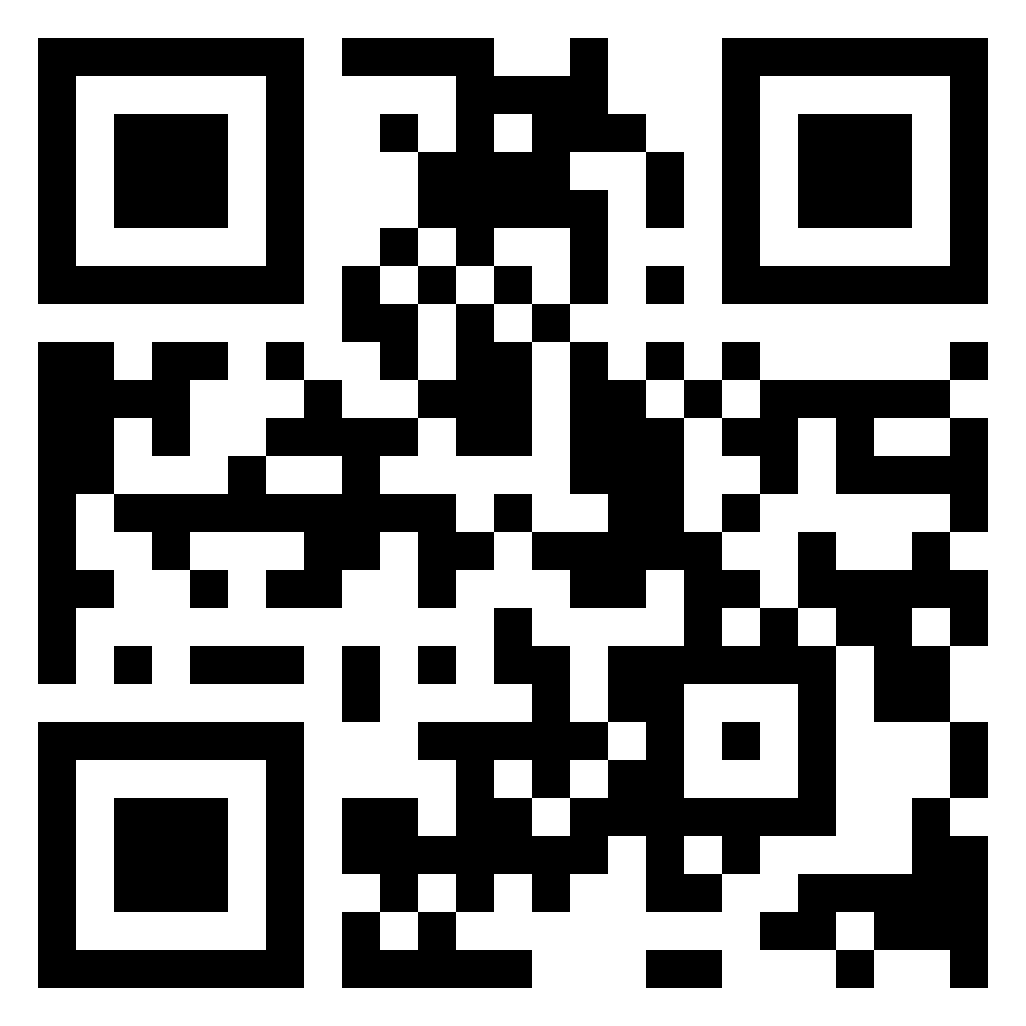
2D Code Reading
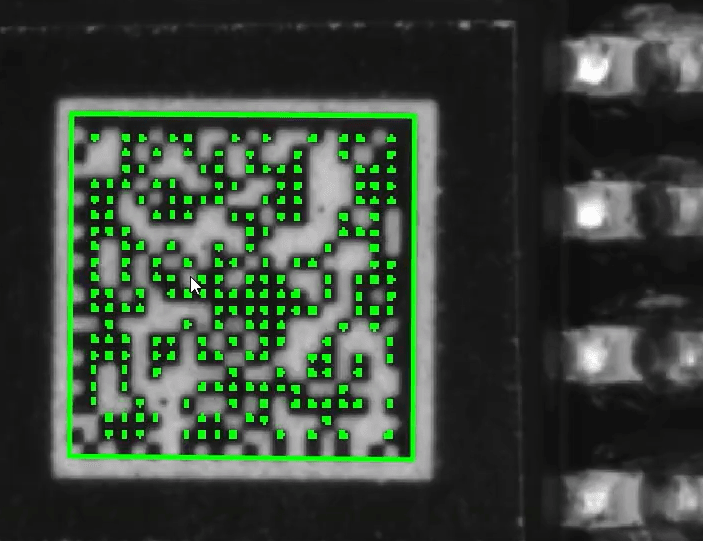
2D Code Grading
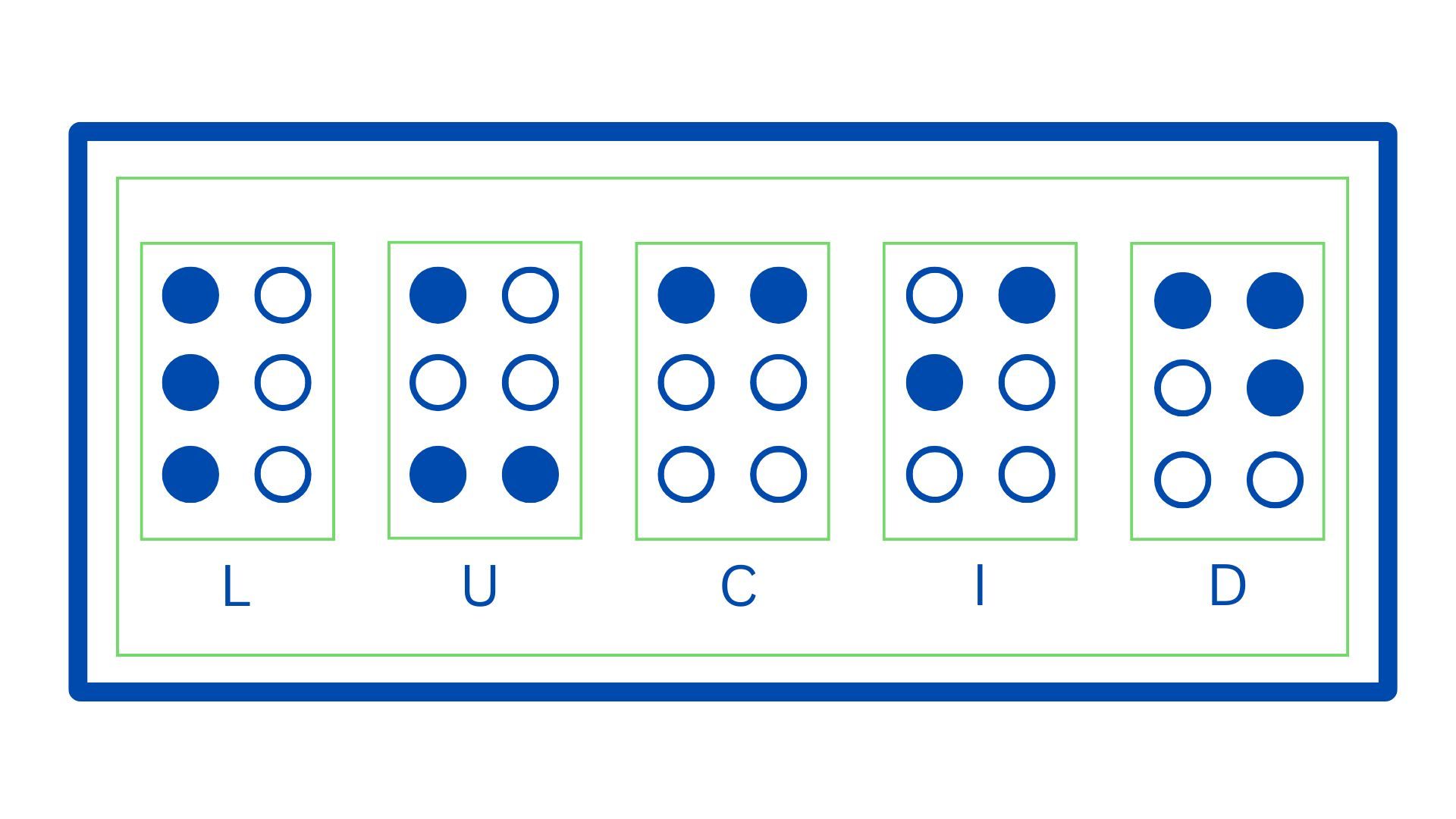
Braille Inspection

Color Deviation

Language Mismatch